Live app frames
Each prompt becomes a real, running web app. Frames have device presets, auto-fix runtime errors, and sleep as snapshots when you aren't using them, so canvases with dozens of apps stay fast.
Take your inspiration, direction, assets, and brand all into a single canvas to take your ideas from scattered thoughts to artifacts with intent. Web apps and sites, generative imagery, custom creative tools, and documents are all editable by you or with assistance from local AI that runs on your laptop (or remote if you like).
One-time purchase · every 1.x update included · no subscription
Apps, designs, moodboards and documents share one infinite canvas. Point the prompt at any of them.
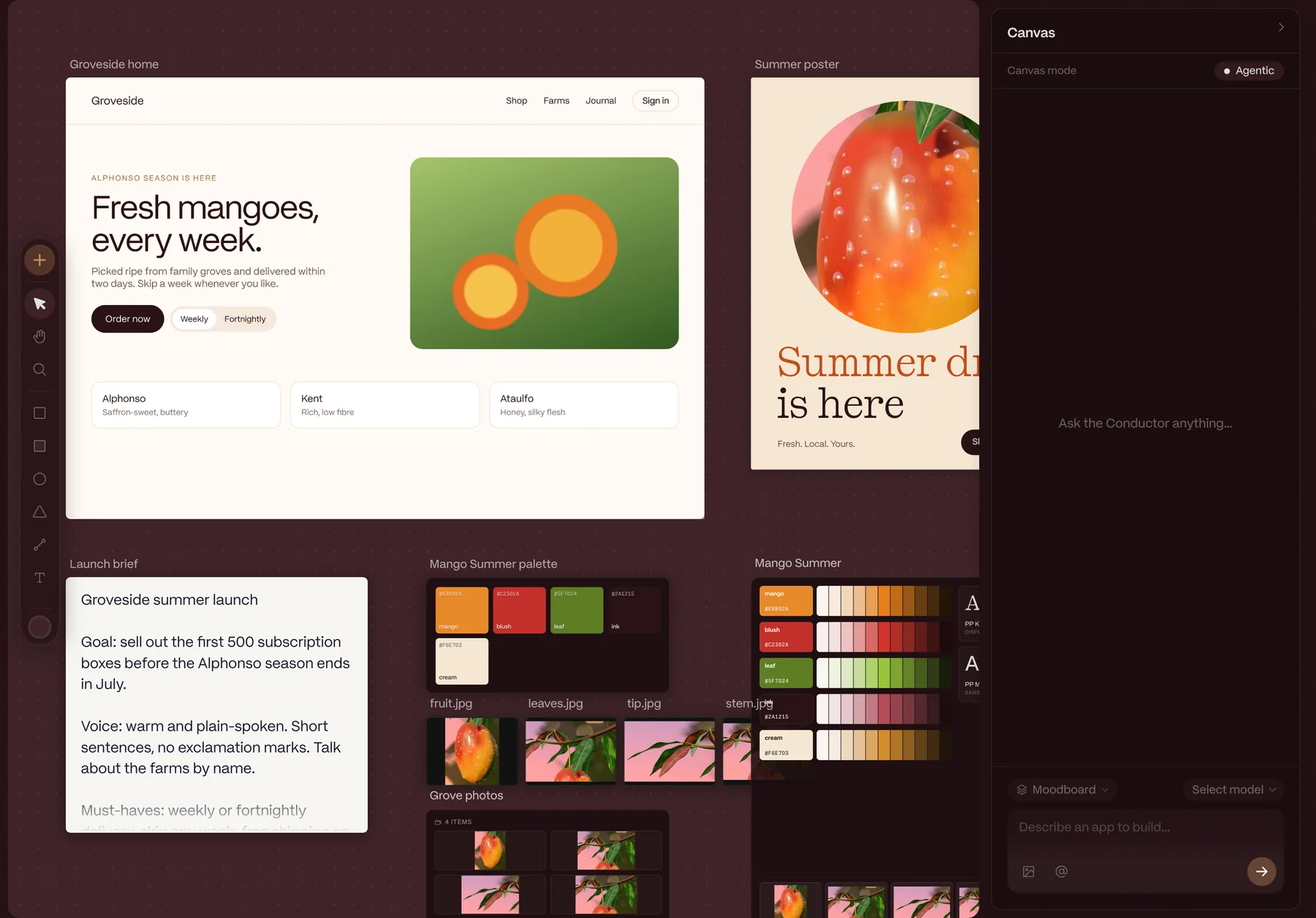
Every prompt lands on the canvas as a live app, not a screenshot or a chat transcript. Ideas stay next to each other, so you can compare, branch, and keep the best one.
Describe what you want. Point at a frame, a moodboard, or a design to give the model context.
The app runs instantly in a sandboxed frame. Resize it to mobile, tablet, or desktop.
Duplicate, tweak, and try another direction. Errors are caught and fixed automatically.
Take the code, a ready-to-run Vite project, or images of your designs.
Design, direct, generate, write and brand, all on the same canvas, all feeding the same prompt.
A layered artboard right on the canvas. Draw shapes, lines and paths, set type in your own fonts, add fills, strokes and shadows, and turn any layer into a clipping mask. Paste vectors straight from Adobe Illustrator or Figma, then break them into layers to recolor and rework. Layers drag between frames, and designs export as PNG, JPG or SVG.
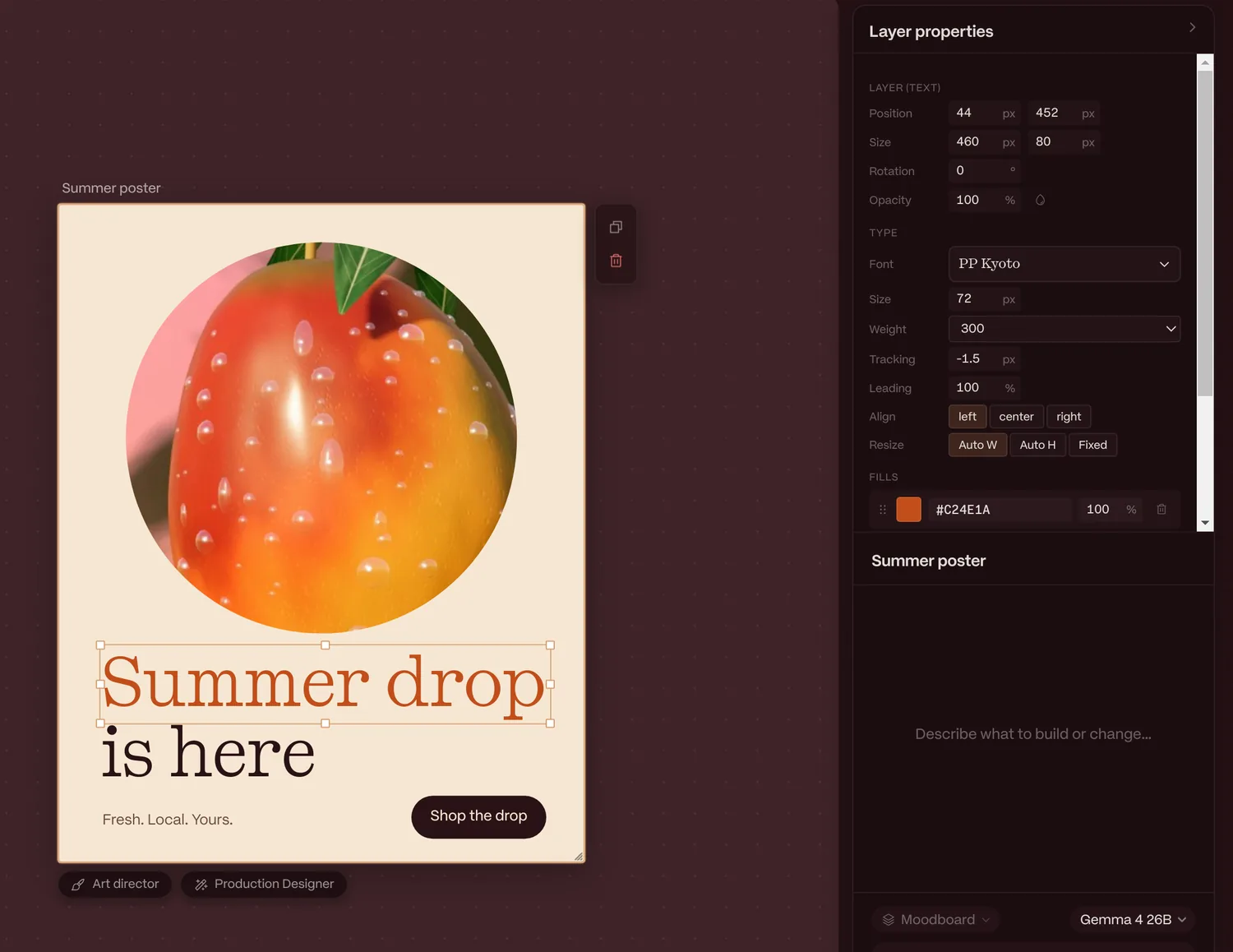
Art director lets you click the elements or layers you want changed, leave a note on each, and submit them all as one edit. Production Designer fans a single design out into every format you need. It proposes a build plan (new design frames, plus image generations where a layout needs fresh art) and builds it when you say so.
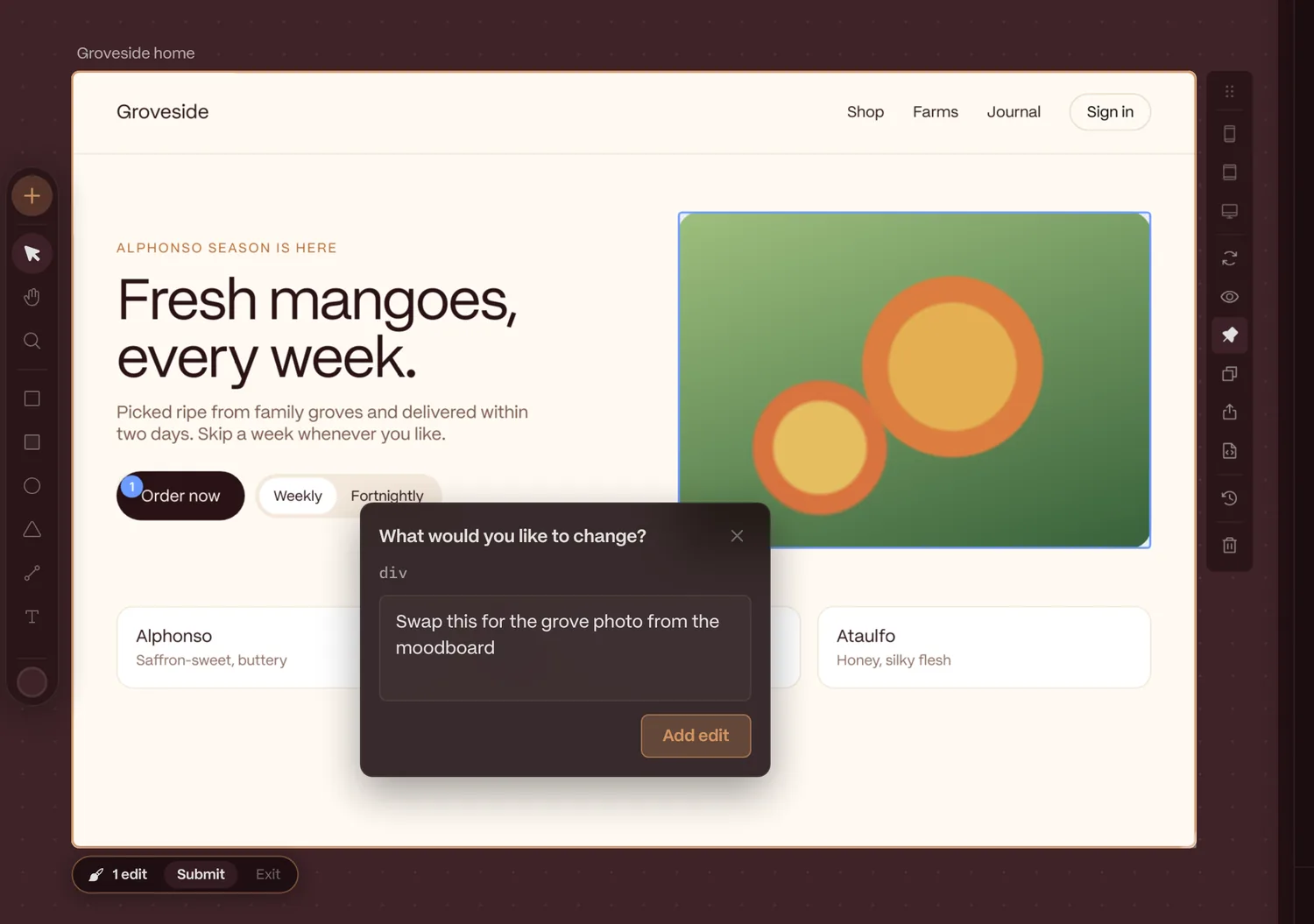
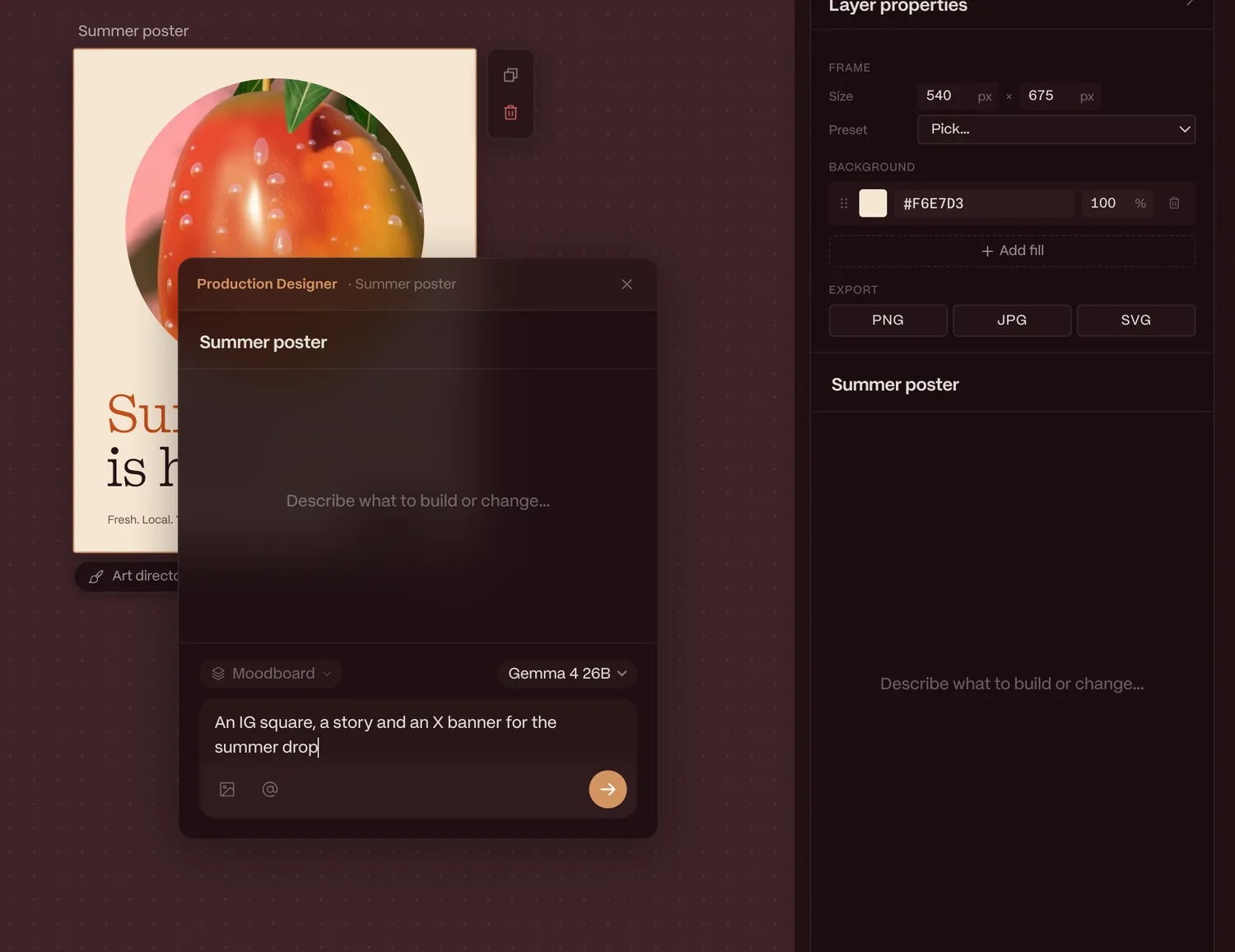
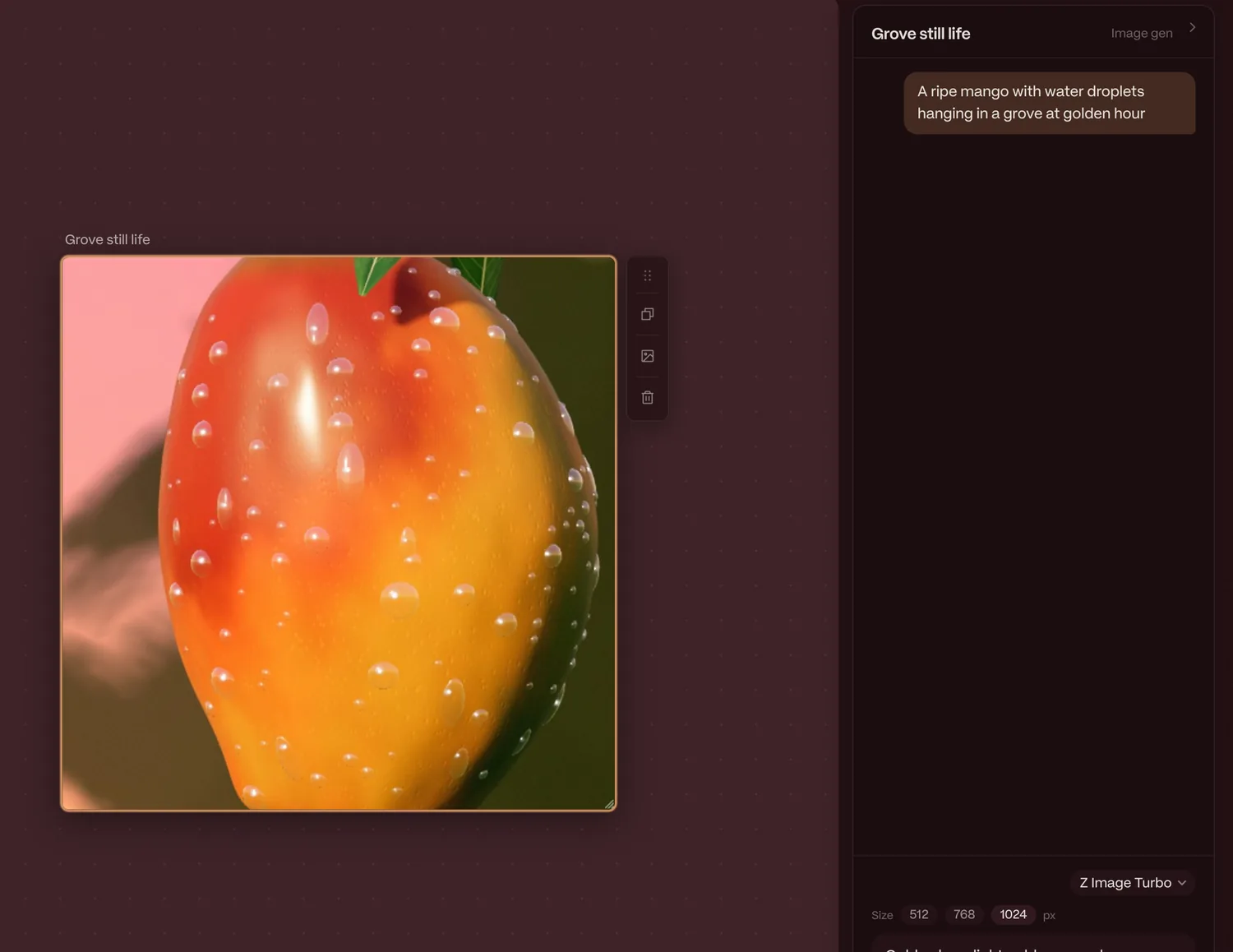
Image Gen frames create pictures with Z Image Turbo or FLUX.2 Klein, served through Ollama on your Mac or your own server. Keep prompting to edit a result, duplicate a frame to branch with the image as context, or flatten it into a regular image.
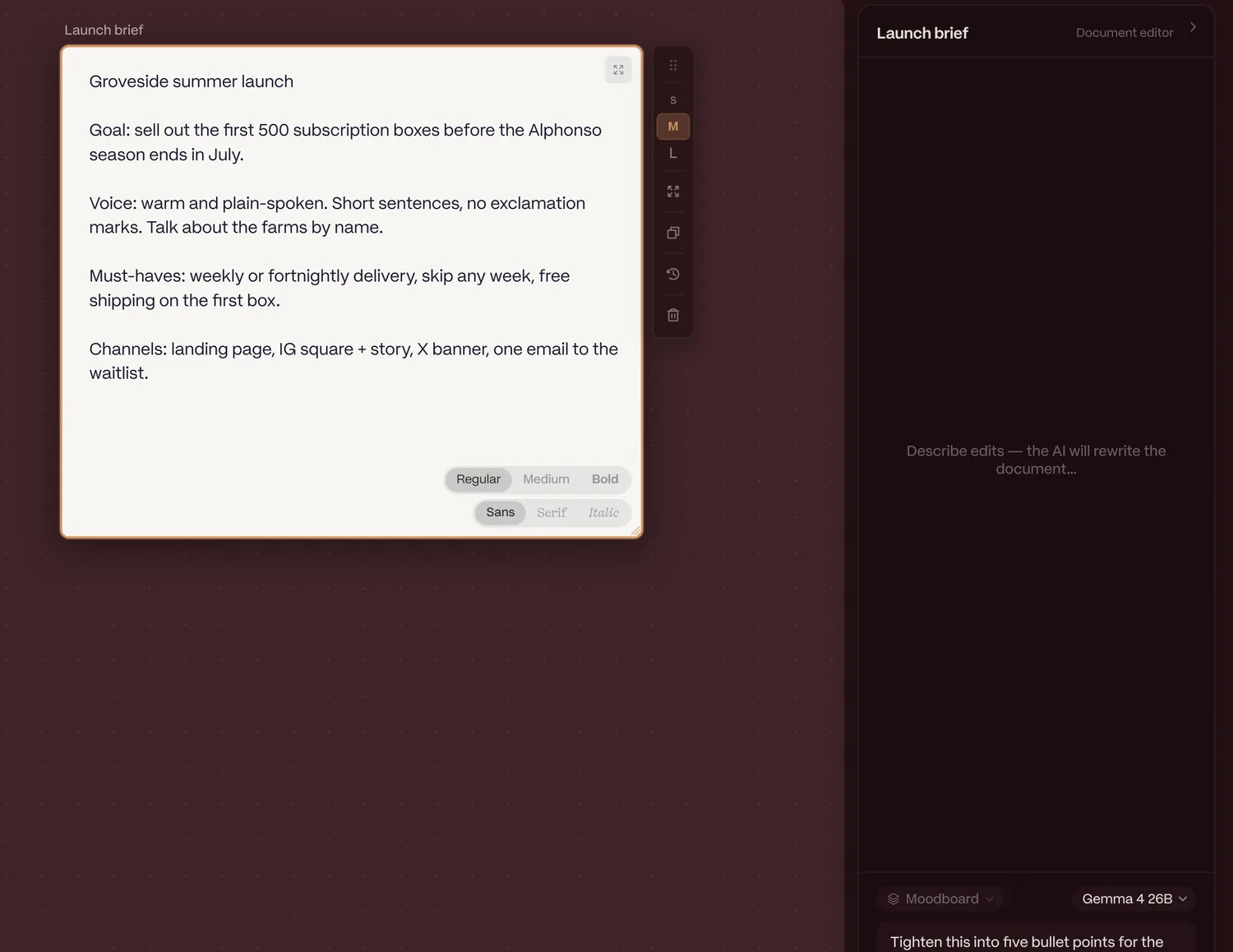
Documents hold the words behind the work: briefs, copy, release notes. Type straight into one or ask the model to rewrite it, with version history for every draft. Text frames are lightweight labels for annotating the canvas.
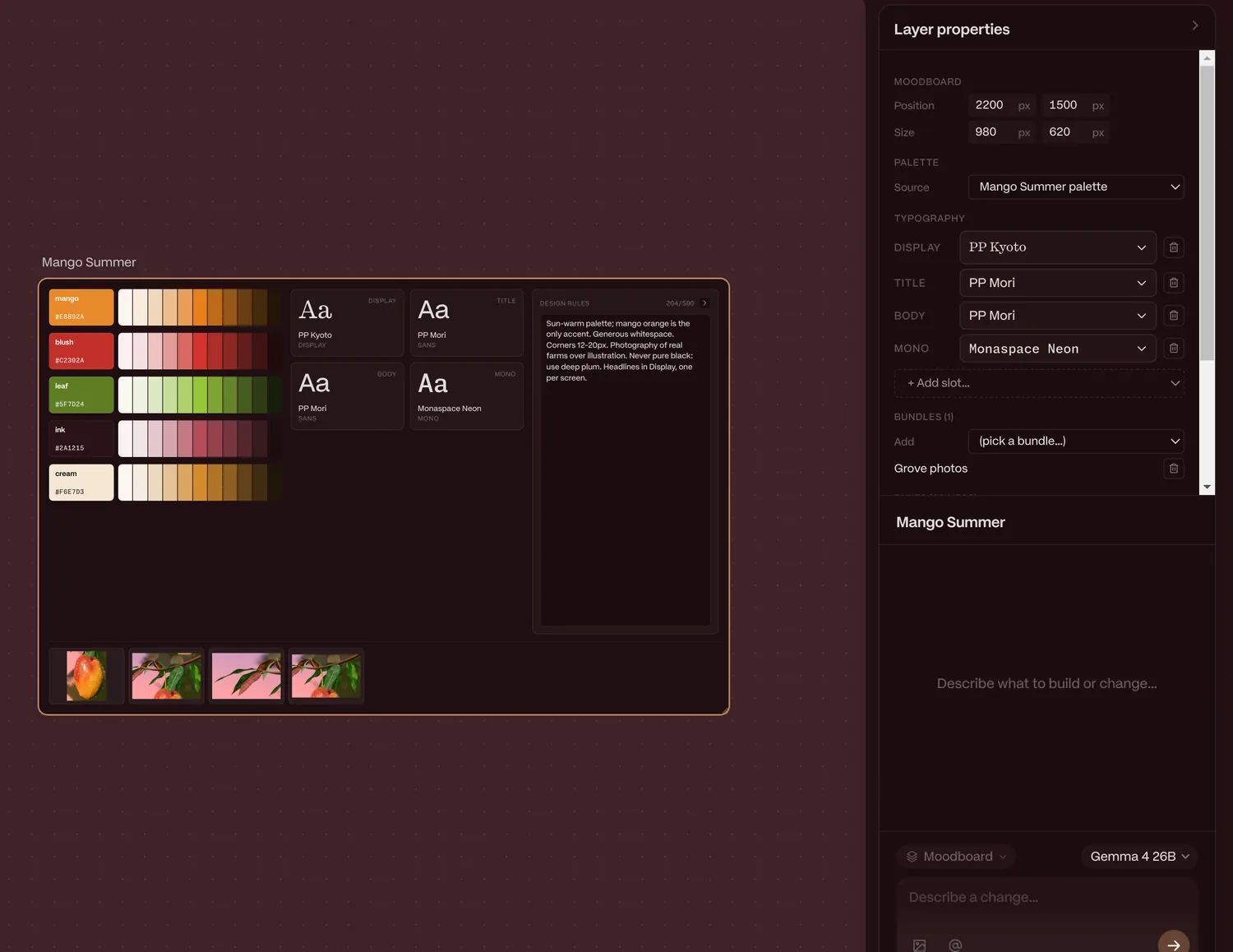
Palettes, font chips and asset bundles live on the canvas as frames. A moodboard combines them with type roles and up to 500 characters of rules. Apply it next to the model picker and every app, component and design follows it. Change a swatch and Ripen re-themes your existing work instead of redesigning it.
Each prompt becomes a real, running web app. Frames have device presets, auto-fix runtime errors, and sleep as snapshots when you aren't using them, so canvases with dozens of apps stay fast.
Drop in a local project and Ripen runs its dev server inside a frame. AI edits arrive as diffs you review before anything is written. Commit, push, and watch your deploy preview come back.
Code, Vite projects, PNG, JPG, and SVG. Portable .ripen canvases open exactly the same on another Mac.
Any font installed on your computer shows up and works in Ripen. In a prompt, type a typeface’s name and it’s used. The same goes for every Google font, with nothing to install.
We still love illustrating in Illustrator, so copy and paste from Illustrator, and plenty of other apps, works by default. Your vectors land on the canvas ready to use.
Pull design frames from your Figma files with a personal access token. You can bring in MagicPath and Paper projects, and more, too.
Project frames bring your own repo onto the canvas. Import a local folder, connect it to Git and Vercel, and run a local-to-remote dev pipeline you manage right inside Ripen.
Export any canvas as a .ripen file to back it up or send it to anyone else who uses Ripen.
Generate brand directions from groups of images and text. Our favorite new habit: gather a pile of inspiration and smash it together to find the direction our brains couldn’t.
Palette frames can be made automatically from any image on your canvas.
The Production Designer handles bulk design edits in record time, especially when it’s hooked up to a more powerful model on Ollama Cloud, a remote model that doesn’t keep your data.
Whenever you use local models in Ripen, you can sleep soundly knowing your data isn’t going to people who profit from it. You can also run your setup in a carbon-neutral way to offset your personal usage.
We redesigned components into blocks: one simpler format for design and code frames, with properties and variants. It does less than Figma, and we think that’s for the better. With models doing the heavy lifting, maintaining a design system is less of a burden.
Ripen manages its own Ollama instance, so open models like Gemma and Qwen run right on your Mac. Bring your own keys when you want a bigger model.
Install the free Companion app on your most powerful Mac, like a Mac Studio, a Mac mini or an older desktop with lots of memory. Ripen on your laptop sends the heavy model work across your local network and gets the results back, so a MacBook Air can run models it could never fit on its own.
No subscription and no credits. Use free local models, or pay your provider directly for cloud ones.
Requires a Mac with 16 GB of memory or more; 32 GB recommended for local models. Your license key arrives by email. Future major versions come with an upgrade discount for 1.x owners.
Ripen is a macOS app and needs at least 16 GB of memory. On a 16 GB Mac, use cloud models with your own API key, or a bigger Mac on your network through the free Companion; small local models also run there, one at a time. To run models on the Mac itself, we recommend Apple Silicon with 32 GB or more, which fits models like Gemma 4 26B.
Yes. Install the free Ripen Companion on a more powerful Mac on the same network and pair it with Ripen. Your laptop keeps the canvas, and the other Mac runs the models. Ripen can even wake it from sleep when you need it.
No. Ripen sets up and runs open models on your Mac with Ollama, so you can work entirely offline. API keys are optional, for when you want a cloud model.
No. Local models run on your Mac, or on your Companion Mac over your home network, so prompting, generating and editing all work with no connection, and nothing you make leaves your machine. You’ll need to be online to download models and to activate your license key. After that, Ripen checks your license about once a week when you’re online, and keeps working for up to 8 days between checks.
No. $50 buys Ripen 1.x, including every 1.x update. A future 2.0 would be a separate purchase, discounted for existing owners.
No. Each app runs in a sandboxed frame with no access to your files or to Ripen itself, and camera or microphone use asks for permission first. Local project frames are the one exception, and they run only folders you explicitly trust.
On your Mac. Canvases are saved locally and export as portable .ripen files, so anyone else using Ripen opens exactly what you see.
Yes. Export a single frame's code or a complete Vite project and take it anywhere. It's yours.